Advice
Common Fox ESS problems: offline systems, charging faults and error codes
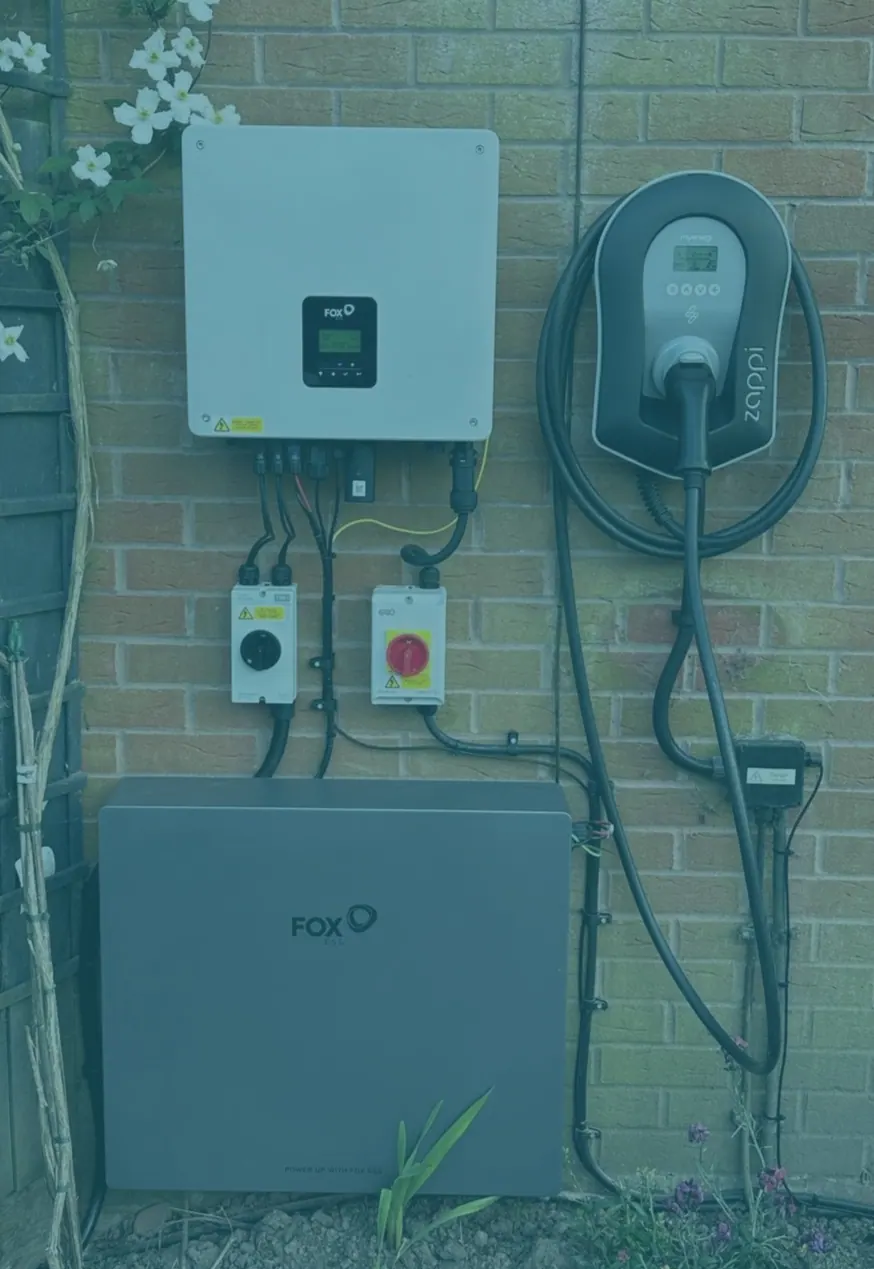
This guide covers three kinds of Fox ESS problems: the app says your system is offline, the battery won’t charge or discharge as you expect, or the inverter shows a fault code. It takes each in turn, from Fox ESS’s own user manuals and its UK Tech Hub, checked on 2 November 2026, and names each code only with the meaning Fox’s manual gives it. Many of these show up first at a routine check; our guide to whether solar PV needs maintenance explains what one involves.
Every check here is made in the app, on the inverter’s screen or by looking at its lights. Never open the inverter or battery, and leave isolators and wiring to a qualified electrician.
Start with the inverter’s lights and screen
Fox’s H1-G2 and KH inverter manuals give the control panel three lights:
| Light | What Fox’s manual says it means |
|---|---|
| Green | The inverter is in normal state |
| Blue | The inverter is normally connected to the battery |
| Red | The inverter is in fault mode |
On the three-phase H3 Smart, the blue light shows the network connection instead: off with no connection, blinking while it connects and steady once it’s connected.
If the screen shows a message, Fox’s manual says to record it before doing anything further, so take a photo. The app keeps a record too. Its alarm section lists current alarms, with error messages and descriptions, and a history of past ones.
Fox ESS app offline: is it the system or the connection?
Offline means Fox Cloud has stopped receiving data. The datalogger plugged into the inverter, often called the WiFi dongle, collects the inverter’s working status and performance and sends it to Fox’s monitoring platform. When that link drops, the app goes quiet, so check the lights first: green with no red means the inverter is reporting a normal state.
Fox’s Tech Hub suggests this order:
-
Log in at foxesscloud.com with the same username and password. If the data is updating there, the problem is the app, so clear its cache or reinstall it.
-
If the website isn’t updating either, that points to the connection. Restart your router first.
-
Then re-pair a WiFi dongle to the router. LAN and 4G dataloggers don’t need re-pairing, so a lost connection on those needs looking into.
Fox says a dropped connection is very rarely a fault with the device itself. It usually follows a change on your home network, such as a new router, an updated Wi-Fi password or a temporary outage.
Re-pairing the WiFi dongle in the app
In the FoxCloud 2.0 app, open Me and tap WLAN Configuration. Once the app finds your device, select it, tap Connect Network, then choose your Wi-Fi and enter its password. Fox’s own reconnection video re-pairs the device using the Fox Cloud app, with no need to touch the inverter.
-
2.4 GHz only. Fox’s WiFi dataloggers transmit on the 2.4 GHz band only. Fox says routers from UK internet providers are dual-band, but some arrive with 2.4 GHz switched off, and its support team can’t change a router’s settings for you.
-
Bluetooth permissions. If the app can’t find a newer datalogger over Bluetooth, Fox points to app permissions. On an iPhone, allow Bluetooth in the app’s settings, then close and reopen the app.
-
A forgotten password. Reset it from the login screen. If the account was set up without an email address or phone number, Fox’s UK service team can reset it from the product serial number and your username.
Why getting back online matters
Fox’s UK and Ireland inverter warranty, version 2.4 of 6 October 2026, gives its hybrid, AC, K Series and H3 Smart inverters 120 months from installation, but no more than 125 months from manufacture. That falls to 60 months (no more than 65 from manufacture) if the inverter isn’t connected to Fox Cloud within 120 days of installation and kept connected. A temporary loss of connection beyond your control doesn’t count, provided reasonable efforts are made to restore it.
Not sure which inverter you have? Our guide to the Fox ESS inverter models sets out each range.
Battery not charging, or not discharging
Before assuming a fault, rule out the settings. Our guide to a solar battery not charging covers the general causes, and Fox ESS work modes explains how each mode decides where your solar goes. On a Fox system, also check:
- System Max. SOC. SOC means state of charge. The battery stops charging at this level while the grid is connected, so a low setting looks like a stuck battery.
- System Min. SOC. The battery stops discharging at this level while the grid is connected, so the house can import even though the app shows charge.
- Cold weather. For batteries without built-in heating, Fox’s Power Reserve Mode stops the battery discharging when its coldest cell is below 3°C and its charge is below 60%. It clears once the charge reaches 65% or the cells warm to 5°C.
- Firmware. Fox’s release notes for the H1-G2 and KH inverters both list a fix for charging not happening within certain time periods. The app shows a red dot on a device’s version section when an update is available, though Fox’s app manual says app updates currently cover the H1-G2 only. Ask us if you’re unsure.
Common Fox ESS error codes and what Fox says they mean
These come from the alarm lists in Fox’s H1-G2 and KH manuals, which give the same meaning for every code below. The middle column is Fox’s wording, and the last is our note.
| Code | Fox’s meaning | What it means for you |
|---|---|---|
| Grid Lost Fault | Grid is lost | Fox says the system reconnects when the mains supply is back to normal |
| Grid Volt Fault or Grid Freq Fault | Grid voltage, or grid frequency, out of range | It also reconnects once the supply is normal. Call us if it keeps happening |
| Bat Power Low | The battery power is low | Fox says wait for the battery to recharge |
| BMS Temp Low | Battery under temperature | The battery is too cold (see the cold-weather note above). Call us |
| Temp Fault | The inverter temperature is high | Fox suggests checking the surrounding temperature and waiting |
| Meter Lost Fault | The communication between meter and inverter is interrupted | The meter’s data link. Call us |
| BMS Lost | The communication between BMS and inverter is interrupted | The battery’s data link. Call us |
| Iso Fault, Res Cur Fault or Ground Fault | The isolation is failed, the residual current is high, or the ground connection is failed | Wiring and earthing. Call us |
| Pv Volt Fault | PV voltage out of range | The panel side. Call us |
For battery management (BMS) codes such as BMS Volt High, the H1-G2 manual says to contact the battery supplier, and the KH manual says Fox’s service department. For many internal codes, both manuals suggest disconnecting the solar, grid and battery, then reconnecting, but they also say their tasks can only be performed by qualified electricians, so that step is ours. If the grid itself is down, our guide to power cuts in Devon and Cornwall covers who to call. We look after Fox ESS systems in Plymouth and across Devon.
Tell us what your system is showing
When Fox ESS problems need an electrician
Earth and insulation codes are never a do-it-yourself job. Fox’s Tech Hub says ground fault alarms can come from site-side issues, including AC wiring faults, incorrect polarity, poor earthing, abnormal grid supply conditions and high earth electrode resistance on TT earthing systems. Its investigation guidance is written for installers, and it starts by switching off the AC, battery and PV isolators.
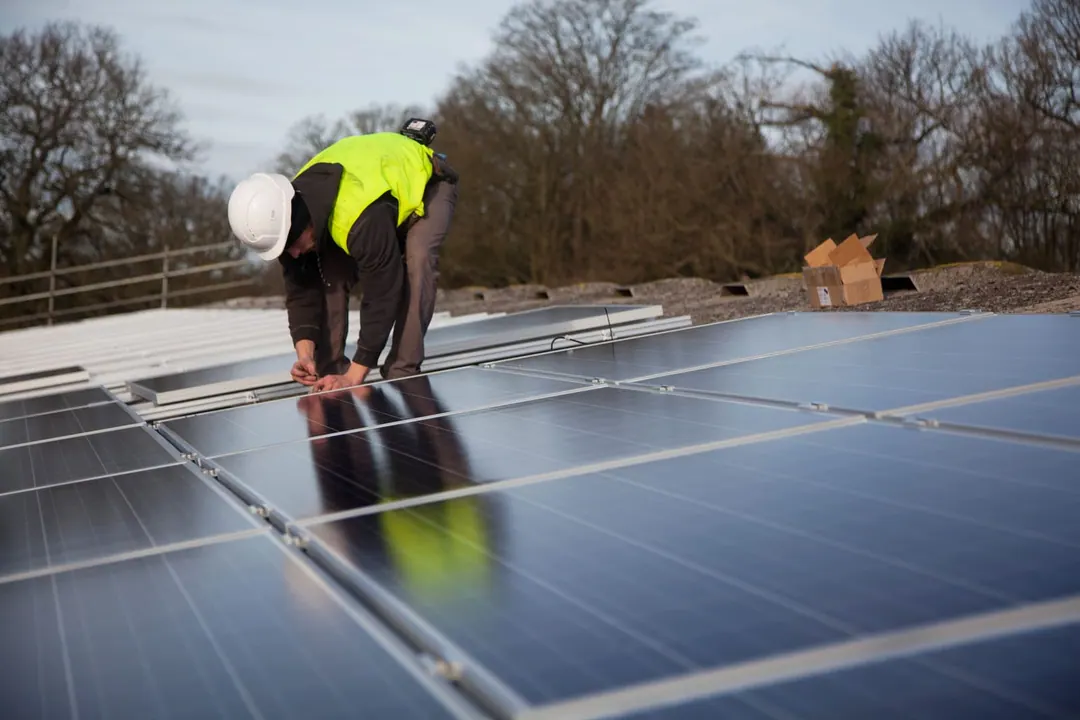
Panels also generate whenever there’s daylight, so the cables between the roof and the inverter can still be live with the inverter switched off. Fault-finding is a job for a qualified electrician, and our team includes a solar PV electrician.
What the battery’s own lights are telling you
Fox’s EP battery manual says a flashing or steady status light doesn’t mean the battery is abnormal. It may just be an alarm or a protection, and once whatever triggered it has cleared, the battery returns to normal use by itself.
If the battery’s lights and the inverter’s screen show an alarm at the same time, Fox’s manual says to contact the distributor, so tell us. Don’t touch any liquid from the unit: Fox warns of a risk of electric shock or damage to skin.
Noises that are normal, and ones that aren’t
A high-pitched whine from the inverter is usually nothing to worry about. Fox calls it coil whine and says it’s perfectly normal, especially when the system is working hard. It isn’t a fault, provided there are no other symptoms, such as heat or error codes, and the noise hasn’t suddenly got louder or started crackling. A wall that resonates, such as plasterboard, can amplify it. If the sound is new, louder or irregular, ask us to take a look.

If the company that fitted it has gone
Fox ESS says servicing is the installer’s responsibility first. If the installer has ceased trading, Fox invites owners to contact it directly about faults, by email. It also points out that panels, cabling, meters, isolators and circuit breakers sit outside its products, so it makes sense to use a company that can look after the system as a whole.
That’s where our solar panel repair and fault-finding work comes in. We work on systems we didn’t fit as well as our own, and we fit Fox ESS inverters and batteries where they’re the right choice for the property.
Before you call us
Fox’s manuals ask for the model and serial number when you contact its customer service, and the same details help us. Have these ready:
-
The model and serial number. The app shows the serial number on the device details screen, and the model is on the inverter’s nameplate.
-
A photo of the screen and the lights, plus a screenshot of the app’s current and past alarms.
-
When it started, and anything that changed then, such as a new router or tariff.
We cover Devon and Cornwall from our base near Okehampton, including owners in and around Launceston, under 6 miles away as the crow flies.
Keeping your Fox ESS system out of trouble
Fox’s H1-G2 and KH manuals say a safety check should be performed at least every 12 months by a qualified technician. Our one-hour Annual Solar Health Check tests and inspects your system, whoever installed it. Every installation we carry out includes a year of The Solar Owners Club, with an annual system health check and a dedicated support line, and our guide to joining the club explains what else members get.
Whatever the Fox ESS problem, check the app and the lights first and note any code on the screen. If the answer isn’t here, call us and we’ll find it.