Guide
Fox ESS work modes: Self-use, Feed-in Priority, Back Up and Force Charge
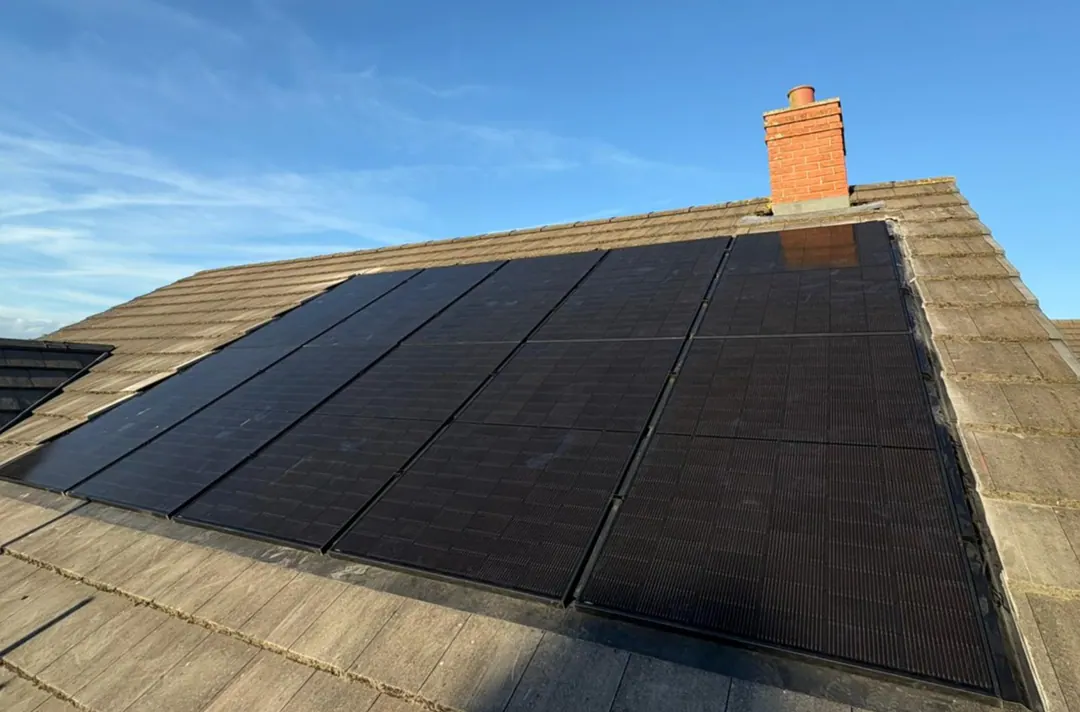
Self-use is the Fox ESS work mode built around using your own solar. In Self-use, your home takes the solar first, the battery stores the surplus, and only what’s left is exported. Fox’s other modes change that order: Feed-in Priority exports before it charges, Back Up holds charge for a power cut, and Force Charge fills the battery at times you choose.
Every Fox ESS detail here comes from Fox’s own current manuals, documents and UK Tech Hub, checked on 2 November 2026. We fit Fox ESS inverters and batteries across Devon and Cornwall, and you can read about the Fox ESS systems we design and fit.
What a Fox ESS work mode decides
A hybrid inverter can send solar to three places: your appliances, the battery and the grid. When the panels can’t keep up, it draws on the battery and the grid. The work mode sets the order, and Fox’s manuals set out the order for each:
| Work mode | Fox’s priority order | What it’s for |
|---|---|---|
| Self-use | Home, then battery, then grid | Using as much of your own solar as you can |
| Feed-in Priority | Home, then grid, then battery | Exporting surplus before storing it |
| Back Up | Battery charged first, then home | Holding charge in reserve for a power cut |
| Force Charge | Battery, then home, then grid, while charging | Filling the battery in a set time window |
The H1-G2, KH and H3 Smart manuals give the same order for Self-use and Feed-in Priority. The H1-G2 manual calls the timed option “Force time use”, and the current app calls it Forced Charge. Our guide to the Fox ESS inverter models covers which inverter is which.
How Fox ESS Self-use mode works
Fox’s app manual says Self-use makes the most of your solar and battery to power your home, keeping what you take from the grid to a minimum. It works in two halves.
While the panels are producing, solar goes to your appliances first. Surplus charges the battery, and anything left after that is fed into the grid.
When solar falls short, in the evening or under heavy cloud, the battery makes up the difference. Only when the battery can’t cover the demand does the system buy from the grid.
That suits a home that is out by day and busy in the evening, because the day’s surplus waits in the battery. In the Mode Scheduler, you can also set Self-use as the Remaining Time Work Mode, the one the system runs outside your scheduled periods.
Minimum and maximum charge levels
Three settings shape how the battery behaves, and the first can explain a puzzle owners raise: the house importing while the app still shows charge.
-
System Min. SOC. SOC means state of charge, the battery’s level as a percentage. Fox says the battery stops discharging at this level while the grid is connected, so from there the house runs on grid power.
-
System Max. SOC. The battery stops charging at this level while the grid is connected.
-
Backup Cut-off SOC. The level at which the battery stops discharging during off-grid operation, on a system with backup.
Fox’s UK Tech Hub confirms state of charge settings are among the controls owners can change. A higher minimum keeps more in reserve but leaves less for the evening, so ask us if you’re unsure.
Feed-in Priority: export comes before the battery
Fox describes Feed-in Priority as the mode for selling electricity. Your home still takes solar first, but the surplus goes to the grid before the battery. Fox’s app manual says energy is stored in the battery once the feed-in limits are reached, so on a day when the surplus stays under your export limit, most of it leaves the house.
It suits a narrower case than Self-use: a system that often hits its export limit, or an owner who values export over evening use. Compare what an exported unit earns with what you pay to import before choosing it.
You can’t raise that limit yourself, as the section on installer settings below explains.
Back Up mode: holding charge for a power cut
Back Up turns the battery into a reserve. Fox’s app manual says the battery charges at maximum power until it reaches the backup level, and may only discharge while its charge is above that level. Solar charges it first, with any excess going to the house, and if solar falls short, the system buys grid power to get there.
That stored energy is for when the grid fails. Fox’s inverter manuals say that when the grid is off, the system supplies emergency power from solar or the battery, and that a battery is necessary for it. That only works on a system wired for backup, through the inverter’s backup (EPS) output or Fox’s EPS-BOX-SP gateway.
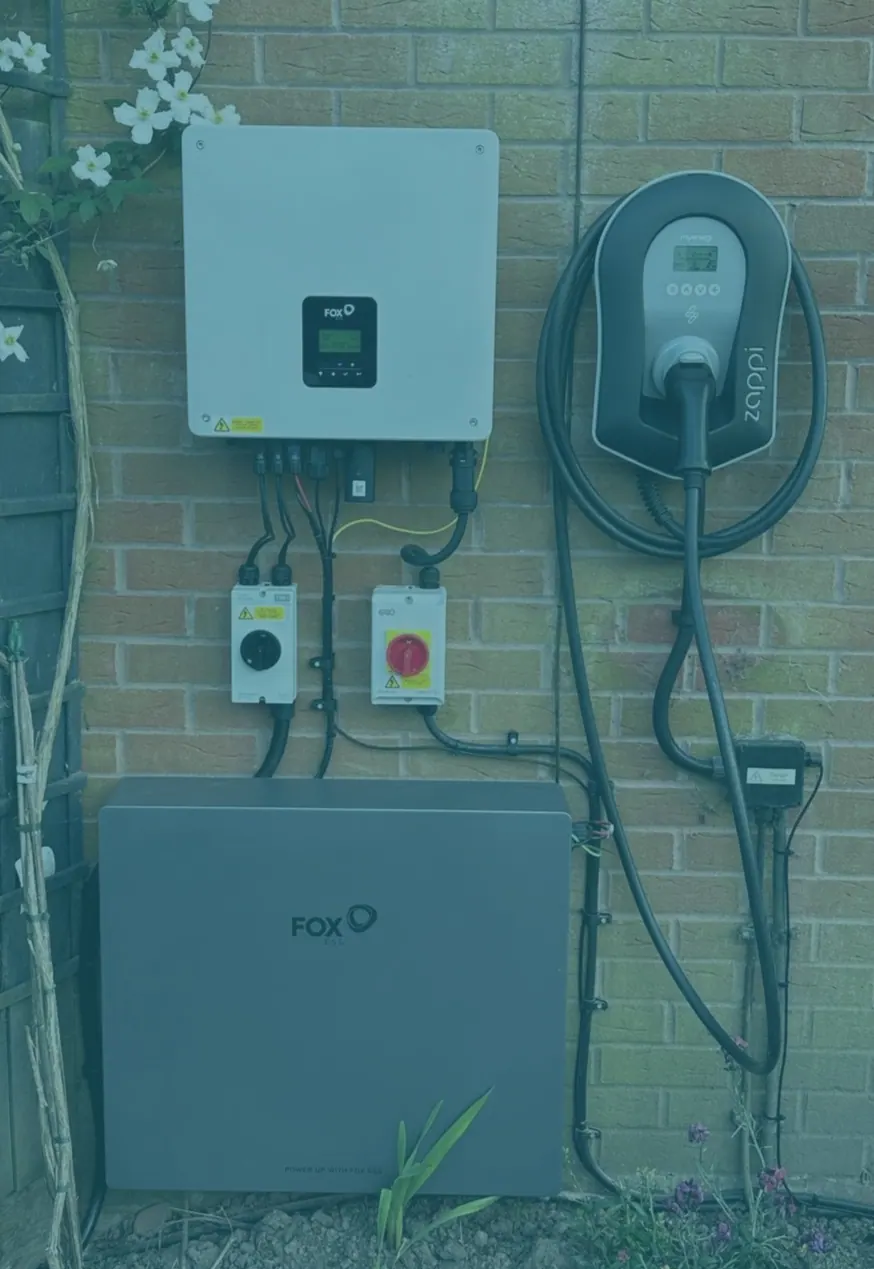
So Back Up makes sense only with backup fitted, and usually only for a short spell, such as when a storm is forecast. Left on, it holds back charge your evenings could use. Fox’s app manual also lists StormSafe Charging and Power Outage Reserve, which force a charge in advance when extreme weather or power outage alerts arrive, though options vary by role, region and device. Our guide to power cuts in Devon and Cornwall covers who to call.
Force Charge lives in the Mode Scheduler
In February 2026, Fox’s UK Tech Hub explained that the updated FoxCloud 2.0 app had removed the old grid charge settings and brought every work mode and schedule setting together under the Mode Scheduler.
There, you set start and end times and choose a mode for each period. On top of the basic modes, it adds two controls:
- Forced Charge uses solar and grid power to charge the battery.
- Forced Discharge uses solar and battery power to run the house and export to the grid.
While the Mode Scheduler is on, battery settings can’t be changed in Quick Settings.
If you can’t see the Mode Scheduler, Fox says the inverter firmware needs an upgrade. Some models update inside the app, while some older ones need a manual upgrade, which your installer or Fox’s service team can arrange.
Talk to us about your Fox ESS system
Setting a cheap-rate charge overnight
So yes, a Fox ESS battery can charge from the grid, in a Forced Charge period. Fox’s guide, How to set Force Charge, runs through five screens:
- Open the Work Mode page.
- Change the work mode.
- Select Mode Scheduler.
- Add a schedule.
- Select Forced Charge.
Then set the time range to your tariff’s cheap window, and the charge level the battery should stop at. Fox’s screenshots also show a switch for charging from the grid, matching its H1-G2 manual: you can use off-peak electricity to charge the battery and choose whether it charges from the grid or not.
Fox’s H3 Smart manual adds two details. Solar can still charge the battery outside the charging period when there’s enough of it. And its example day mixes modes: forced charging from 12:00 to 14:00, self-consumption from 14:00 to 20:00, then discharging until 06:00.
Why a forced charge can run slower than expected
Fox’s Tech Hub explains that the maximum charge rate depends on the inverter model and the batteries, and that the inverter’s own power limit can cap it. Even then, the rate moves with conditions:
-
State of charge. Battery voltage changes as the battery fills, and the charge rate changes with it.
-
Temperature. A battery that is very cold or very hot can slow its charging to protect itself.
-
Nearly empty or nearly full. Fox deliberately reduces the charge rate at very low and very high levels to protect the cells.
Allow for this when you set a cheap-rate window. If the battery won’t charge at all, check the work mode and charge levels, then call us. Our repairs and fault-finding service works on systems we didn’t fit as well as our own.
Settings you control and settings your installer controls
Fox’s UK position statement, published in April 2026, splits the settings in two. Owners can change:
-
Operating modes and Mode Scheduler settings
-
Battery charge and discharge schedules
-
State of charge settings
-
Time-of-use controls
Installer-level accounts keep grid protection, voltage and frequency limits, anti-islanding protection, export limitation, network compliance settings and the battery and inverter safety protections. Fox explains that its equipment is certified for the UK under grid connection standards including G98 and G99, using specific protection settings.
Change modes and schedules as often as you like, but leave anything inside the inverter or battery to a qualified installer, and never open either unit.
Matching a mode to how your home uses electricity
| Your situation | A setup to discuss with us |
|---|---|
| Out by day, home in the evening | Self-use all day |
| A tariff with a cheap overnight window | Forced Charge in that window, Self-use the rest of the time |
| An export limit you often reach | Feed-in Priority, if export suits your tariff |
| A storm forecast, with backup fitted | Back Up for a day or two, then back to Self-use |
These are starting points rather than rules. The right setup depends on your tariff, your battery and when you use electricity, which is how we size solar battery storage around your evenings in the first place.
Keep the inverter connected to Fox Cloud
Fox Cloud is how you change modes from your phone, and the connection matters for the warranty too. Fox’s UK and Ireland inverter warranty, version 2.4 of 6 October 2026, gives 120 months from installation, cut to 60 months if the inverter isn’t connected to Fox Cloud within 120 days of installation and kept connected. A temporary loss of connection beyond your control doesn’t count, provided reasonable efforts are made to restore it.
Fox’s Tech Hub says dropped connections usually follow a home network change, such as a new router or Wi-Fi password, and re-pairing the device restores remote access and app monitoring.
Help with your Fox ESS system
At handover, we show you how your system works and how to follow it in the app. Every installation includes a year of The Solar Owners Club, with an annual system health check and a dedicated support line for questions like these.
Already have solar and thinking about storage? We can look at adding a battery to the panels you already have, including systems we didn’t fit, for homes across Cornwall and Devon. Whichever Fox ESS work mode you settle on, Self-use is the sensible everyday setting to start from, and we’re happy to talk the rest through.